Solution
Share surveys and results
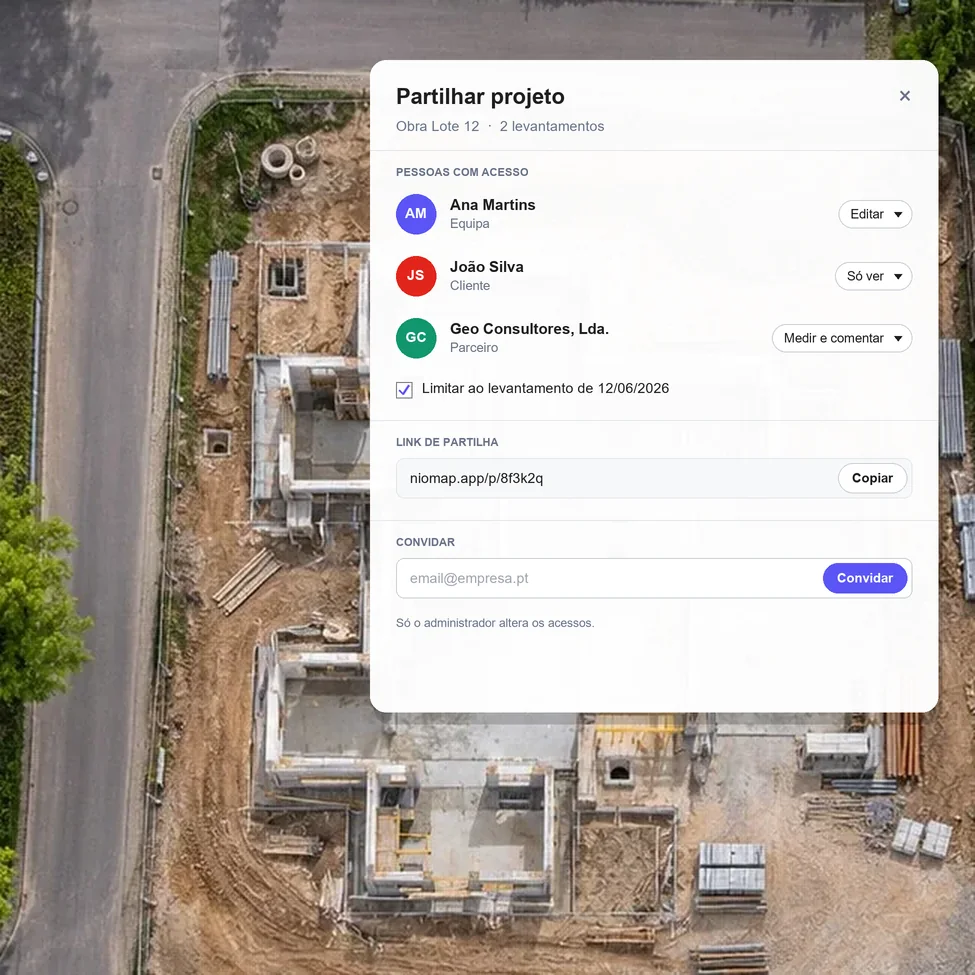
Invite people or companies, or send a link. The administrator chooses what each one can do: view, measure and comment, or edit.
Product
What it's for
Give access to the same project to whoever needs it.
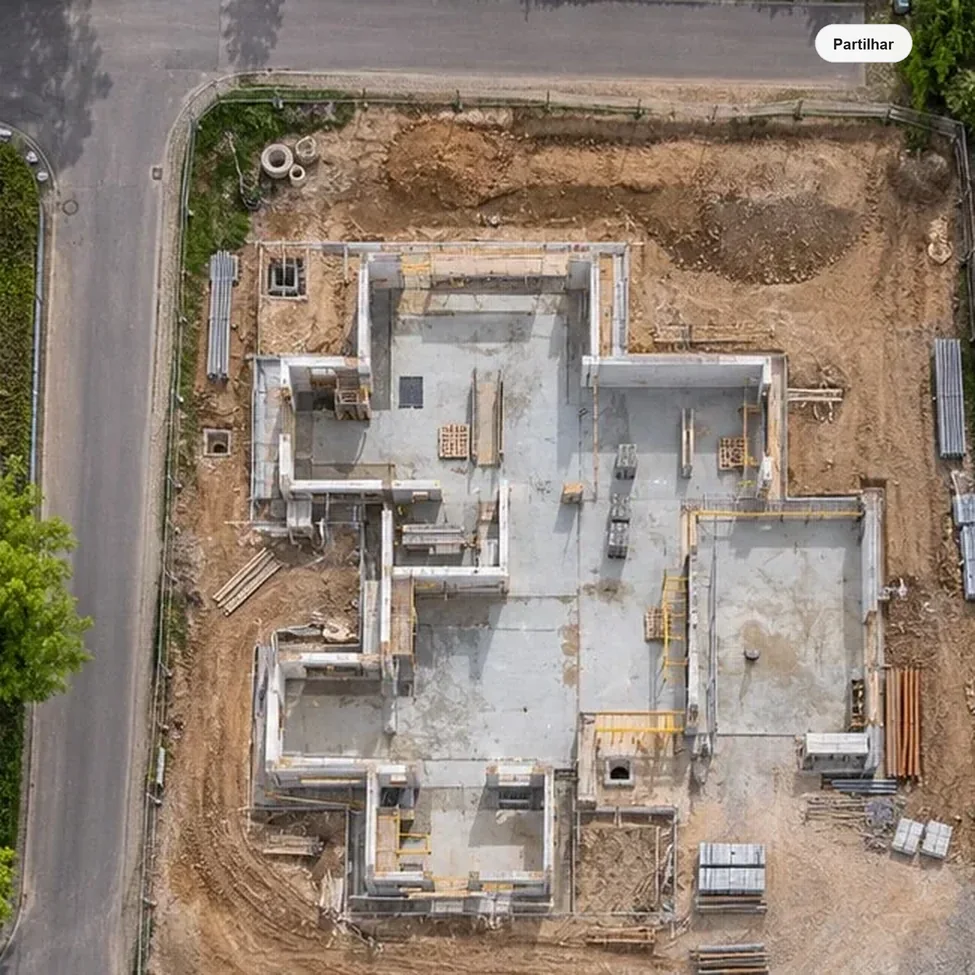
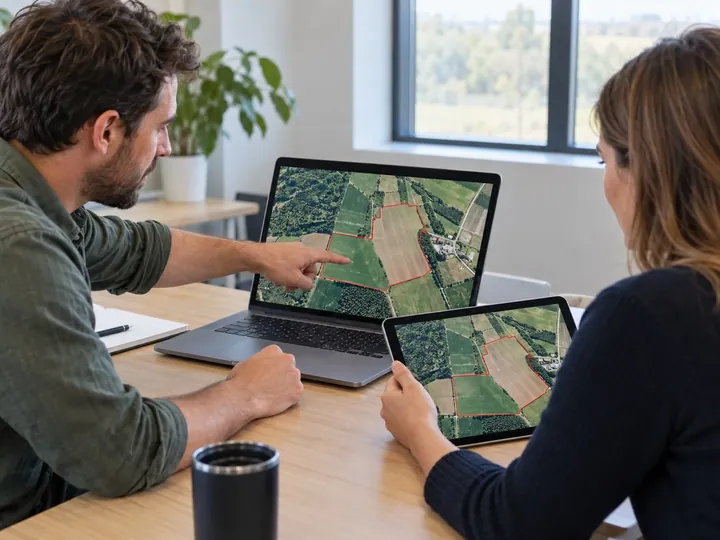
Your team, partners and client look at the same maps, models and measurements in the browser, with no files going around by email. Access can cover the whole project or just one survey.
Drag to see who has access.
 Your projectWho has access
What you need
A processed survey and the people to give access to.
Upload the flight data or import the orthophoto and digital terrain model already processed. Then invite each person or company by email, or copy the share link.
Step by step
- 01
Upload
Upload data or the results from each flight.
- 02
Process
Turn data into results.
- 03
Compare
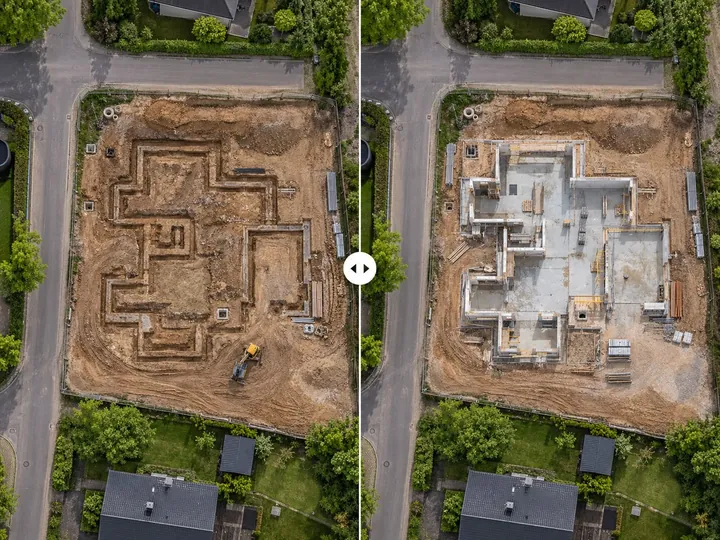
Compare surveys and see what changed.
- 04
Measure
Measure areas, distances and volumes.
- 05
Share
Share the result with your client or a colleague.
Results
One version, seen by those with access.
Each person sees the current version of the project in the browser, with the access the administrator gave them. When the survey is updated, everyone sees the update.
Invite people or companies by email
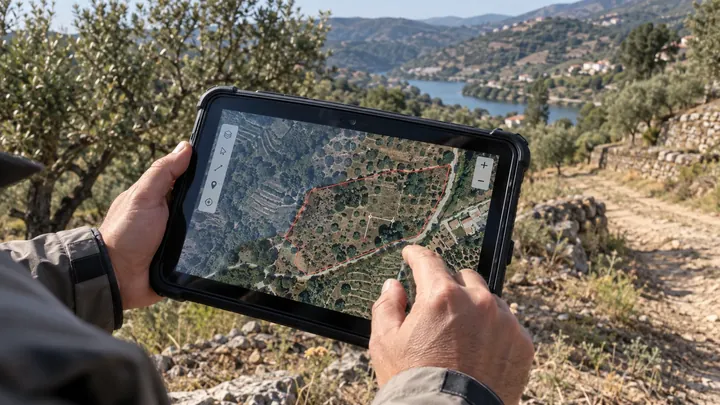
Share link, to open in the browser
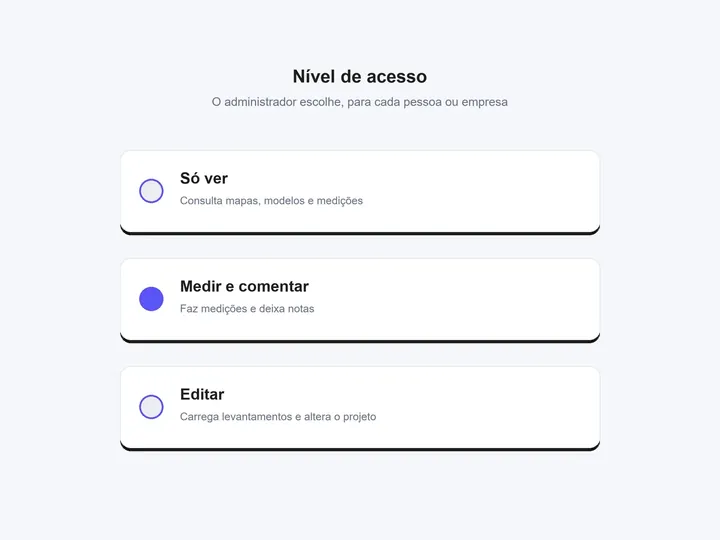
Access levels chosen by the administrator
Access to the whole project or to one survey
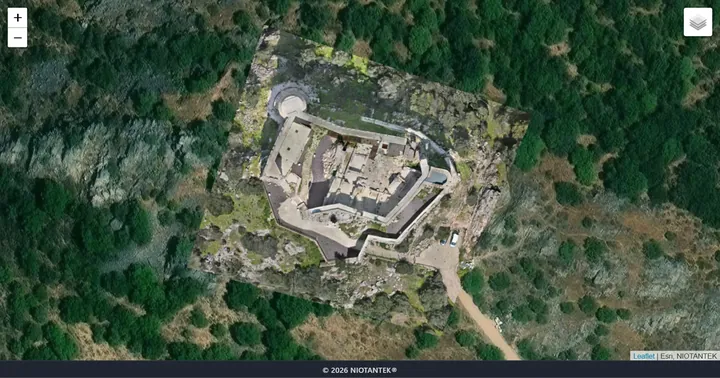
One version, viewed in the browser
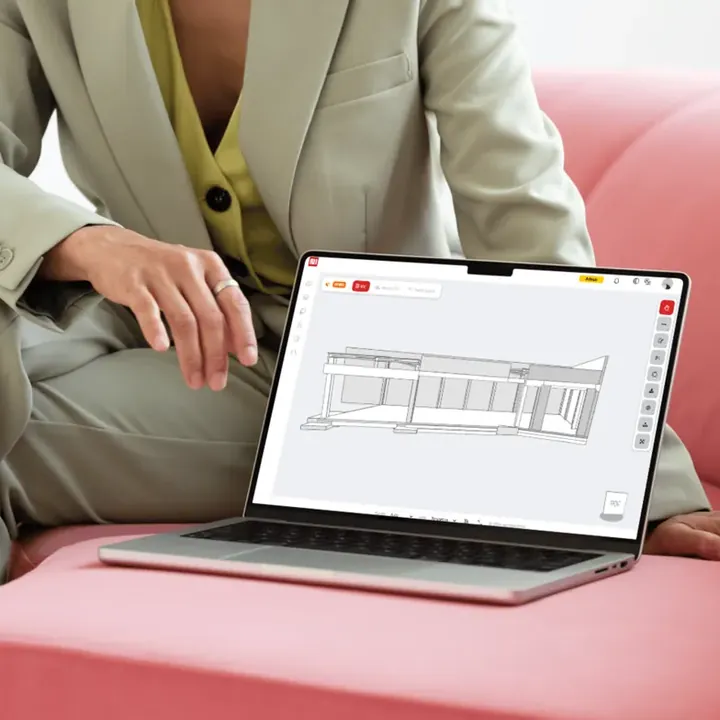
Maps, models and measurements, without sending files
Important note. A downloaded copy can circulate outside the platform. Share only information appropriate for the recipients.
FAQ
What people usually ask.
Does the client need a NioMap account?
It depends on the type of sharing. With an invitation, the person signs in with their NioMap account. With a link, they open what was shared in the browser, without an account.
Who decides what each person can do?
The project administrator. For each person or company they choose between viewing, measuring and commenting, or editing.
Can I share just one survey instead of the whole project?
Yes. Access can be given to the complete project or to just one survey.
Can I share with people outside the company?
Yes. Invite partner companies or the client, with the access level that suits each one.
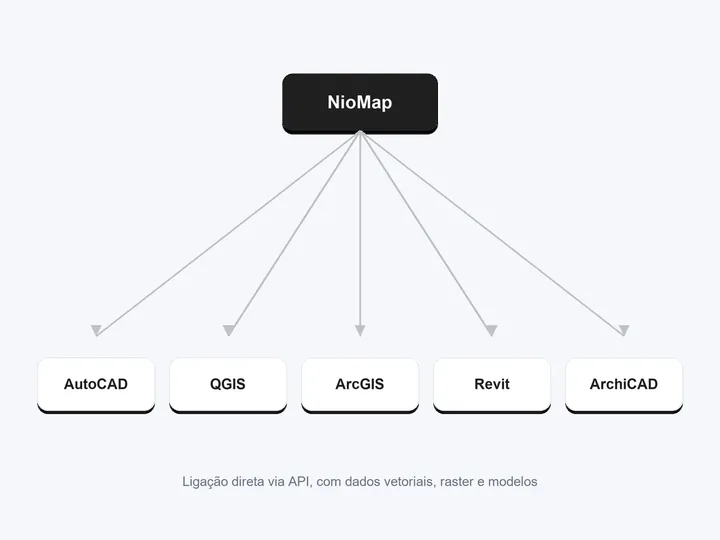
Export results and use integrations
Connect NioMap to AutoCAD, ZWCAD, QGIS, ArcGIS, Aplitop MDT, Revit, ArchiCAD, ARCHLINE.XP or Blender and send orthophotos, models and measurements directly, via API, WMTS or IFC, without converting files.
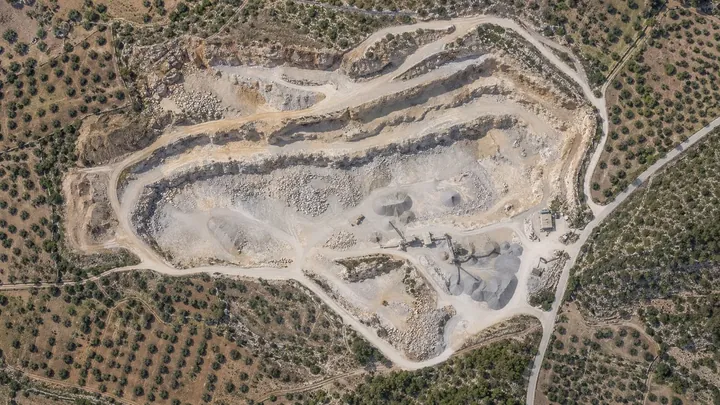
Compare surveys
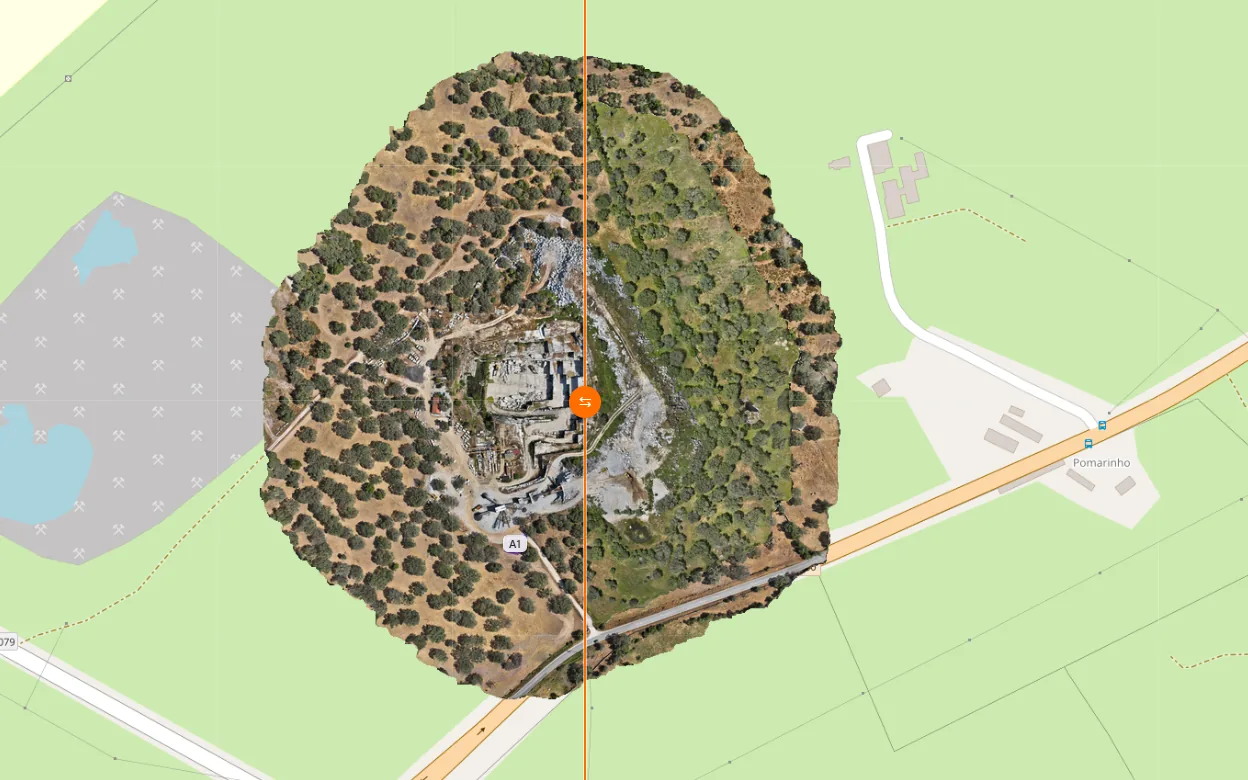
Get digital 3D maps and models for each uploaded date, and view and measure how the work has progressed between them.
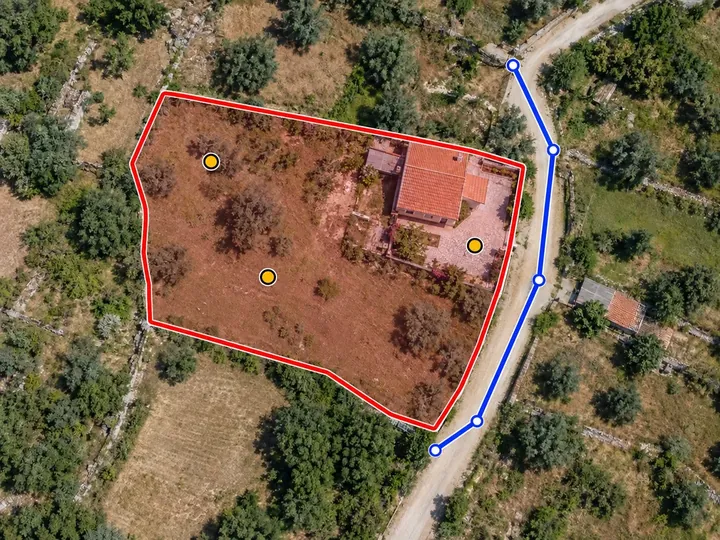
Measure areas
Draw the boundary of any zone on the map and get its flat area, its real (3D) area and its perimeter. The measurement is kept with the survey and its date.
Share your project in NioMap.
Create a free account, upload the survey and give access to whoever needs it: it includes 1 hour of processing and 10 GB of storage. If you have questions, talk to us.