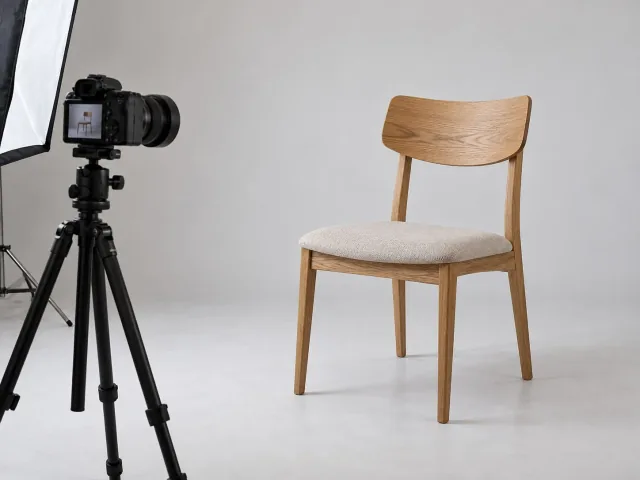
Identification
Give it a name, a reference or a serial number and set its category.
NioBook
Photograph the object with your phone or camera and get the 3D model. Keep everything in one inventory and publish the ones you choose in an online catalog, shared by link.
Free · 1 h of processing · 1 GB · Nothing to install
Record a standalone object or relate it to one that already exists. Complete the record and choose between creating a new 3D model or importing one already prepared.
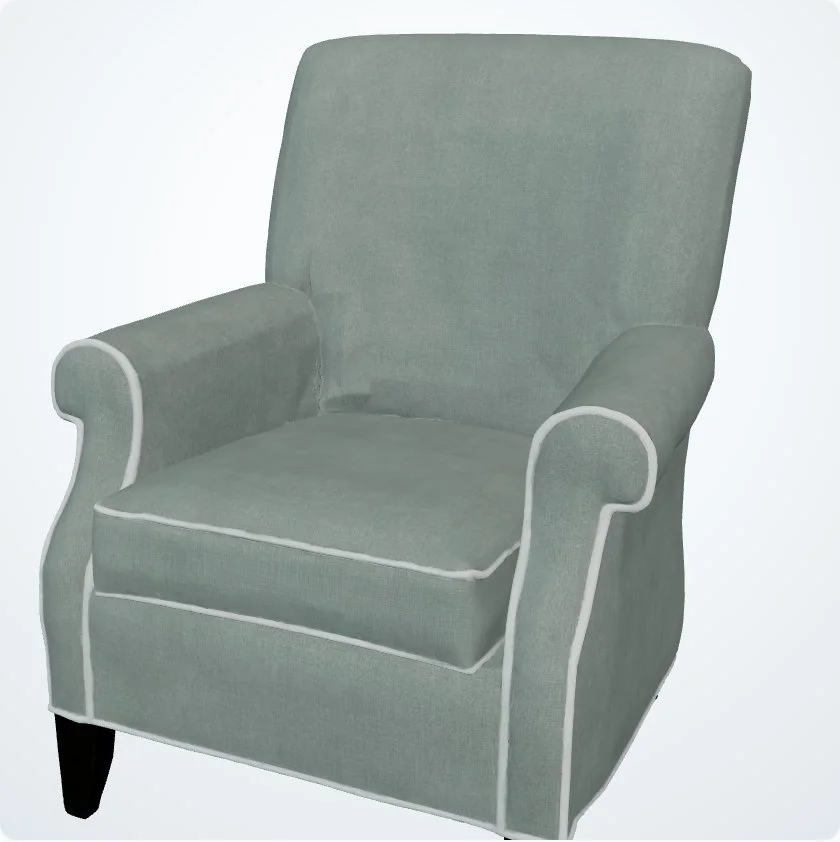
Give it a name, a reference or a serial number and set its category.
Record the object on its own or link it to an object from an earlier phase.
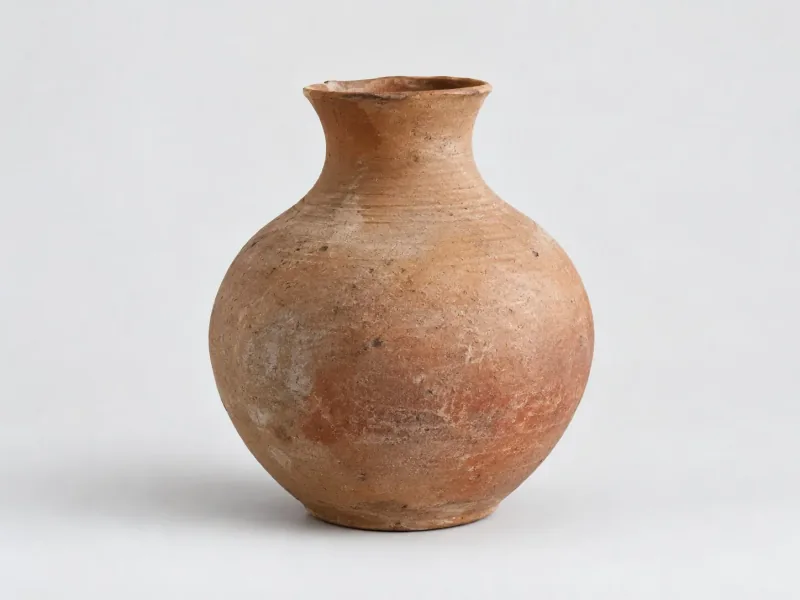
Add the dimensions, material, weight, color, finish and other relevant attributes.
Say where the object is and, where relevant, its geographic origin.
Add photographs for the record and the catalog, technical sheets, certificates or other documents.
Upload photographs that cover the object well enough. Quality, sharpness and varied angles all affect the resulting model.
Attach to the record a 3D model already created in another tool.
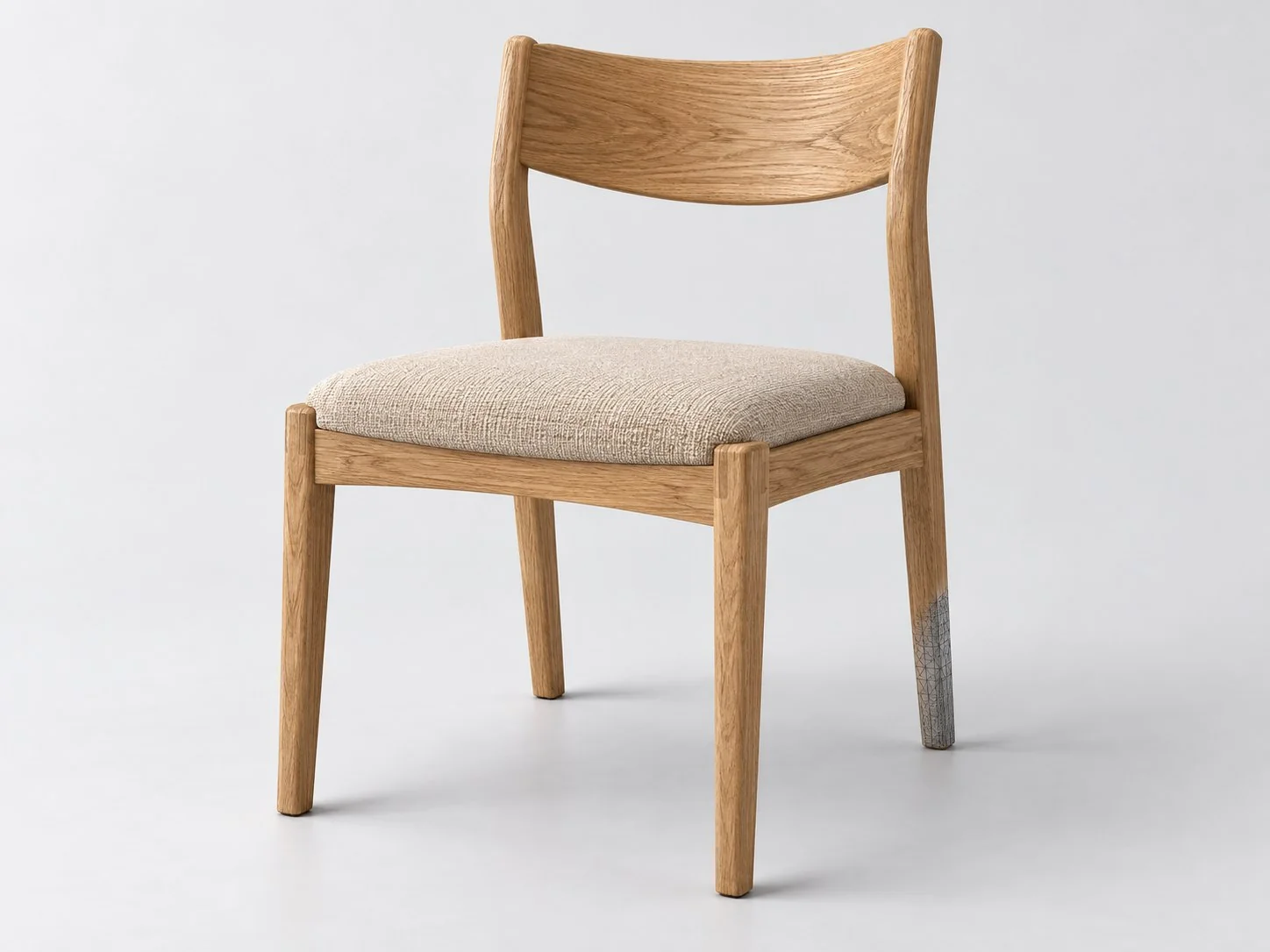 View in the browserRotate, zoom and examine the object in 3D right in the browser.
Photos from a camera, iPhone or iPad work, sharp and from several angles. Try it with the Community's sample objects. Sample objects
Create a free account, with 1 hour of processing and 1 GB, or show us what you want to record, view in 3D or publish.