Search and filters
Search by name, reference, serial number, category, status or other available attributes.
NioBook
Photograph the object with your phone or camera and get the 3D model. Keep everything in one inventory and publish the ones you choose in an online catalog, shared by link.
Free · 1 h of processing · 1 GB · Nothing to install
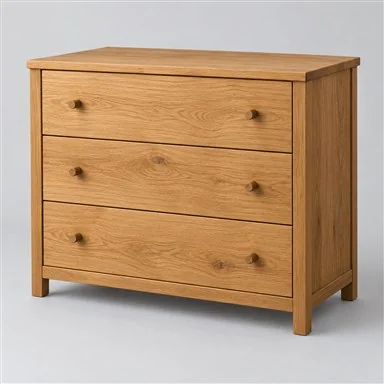
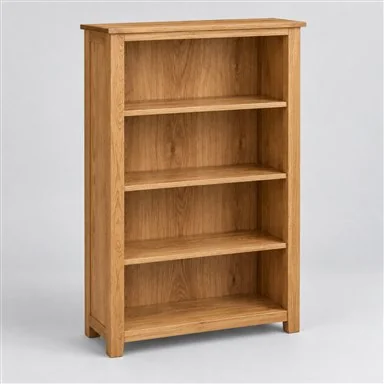
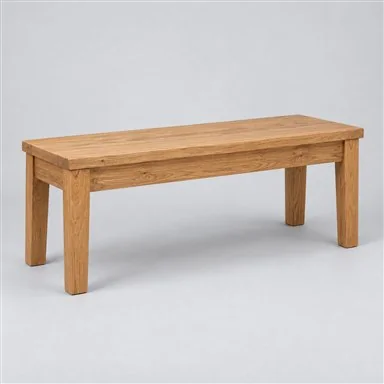
Every recorded object is available in a searchable inventory, with its information, 3D model, availability and publication status.
When there is a transformation, phases relate the original object to the new objects that result from it.
Search by name, reference, serial number, category, status or other available attributes.
See whether the model is processing, complete or imported.
View and update quantity or availability when that information applies.
See which objects are published in the online catalog.
Record objects without phases when there is no transformation you need to follow.
Link a new object to the one it came from.
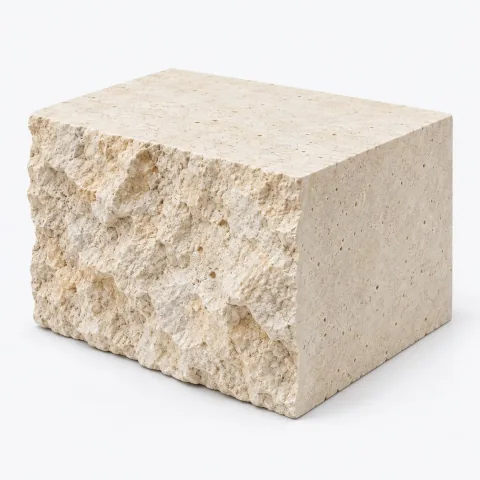
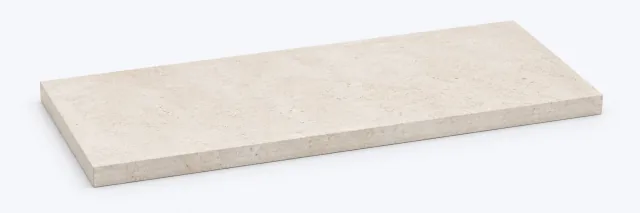
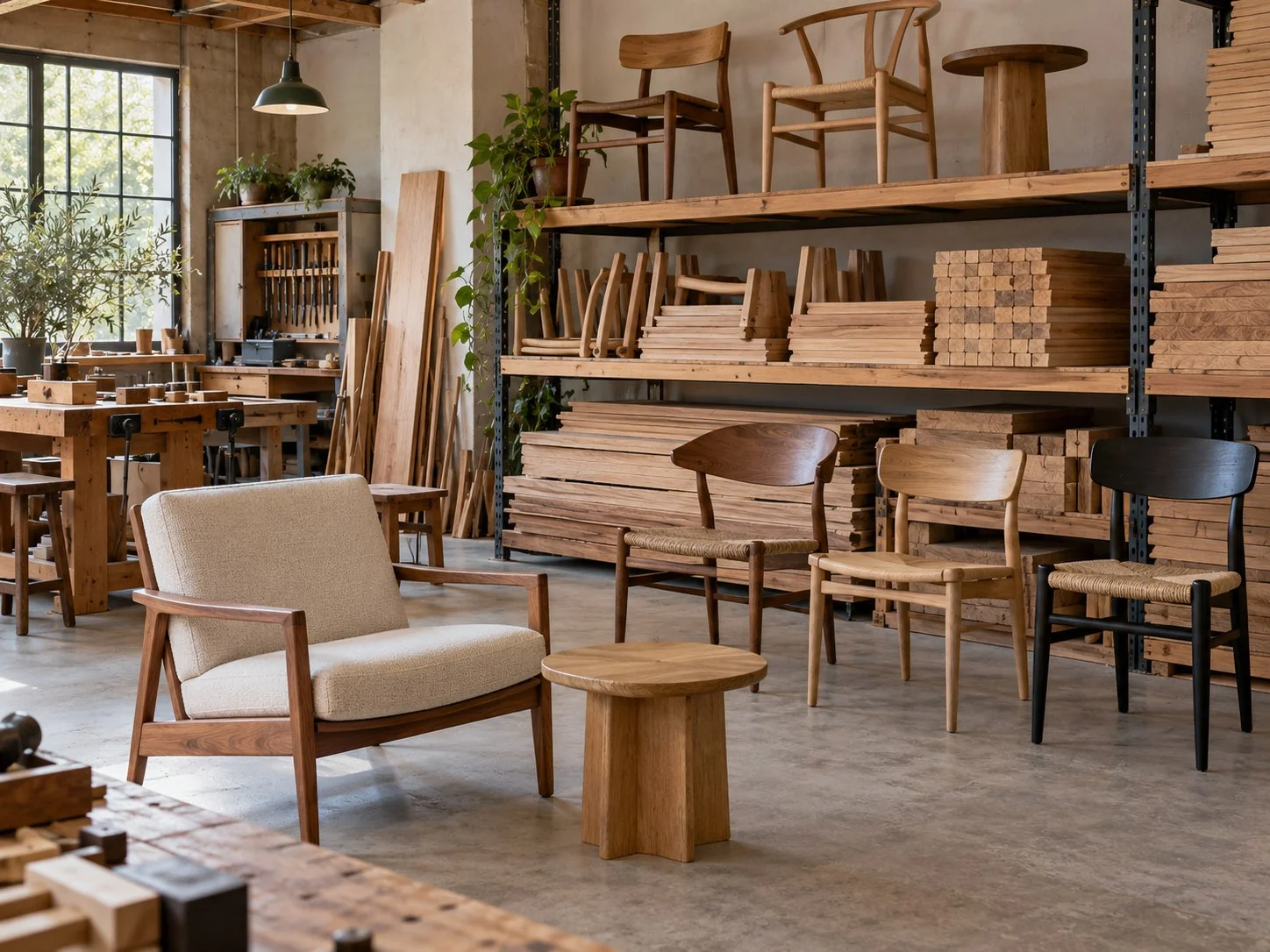
Record several objects resulting from the transformation of a single object. For example, a block can give rise to two or more pieces.
Each resulting object keeps its own information, photographs, documents and 3D model.
Create a free account, with 1 hour of processing and 1 GB, or show us what you want to record, view in 3D or publish.