
Solution
Review measurement data
Each measurement is kept with its value, survey date, zone and reference. Open it whenever you need to check it.
What it's for
Keep the work on site aligned with the project.
Prepare measurement statements and reviews with the figure and the data behind it: survey, date, zone and reference.
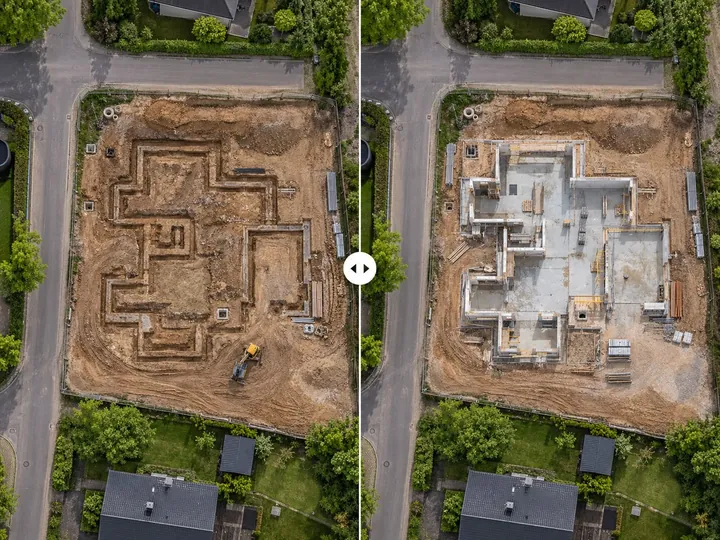
Drag to see the measurement data.
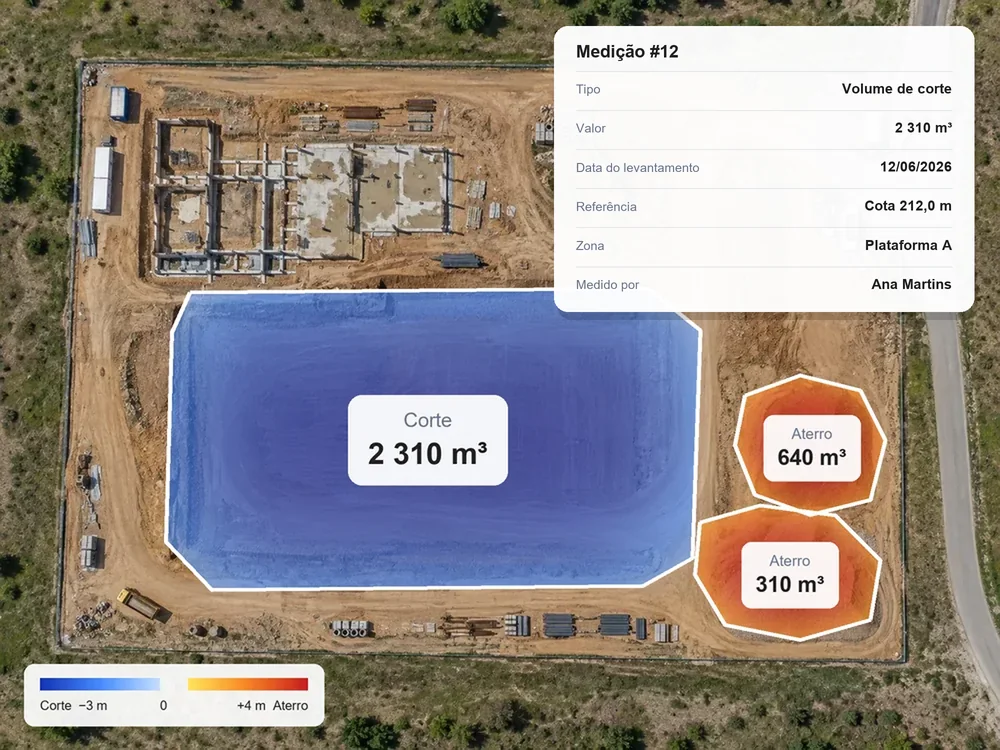
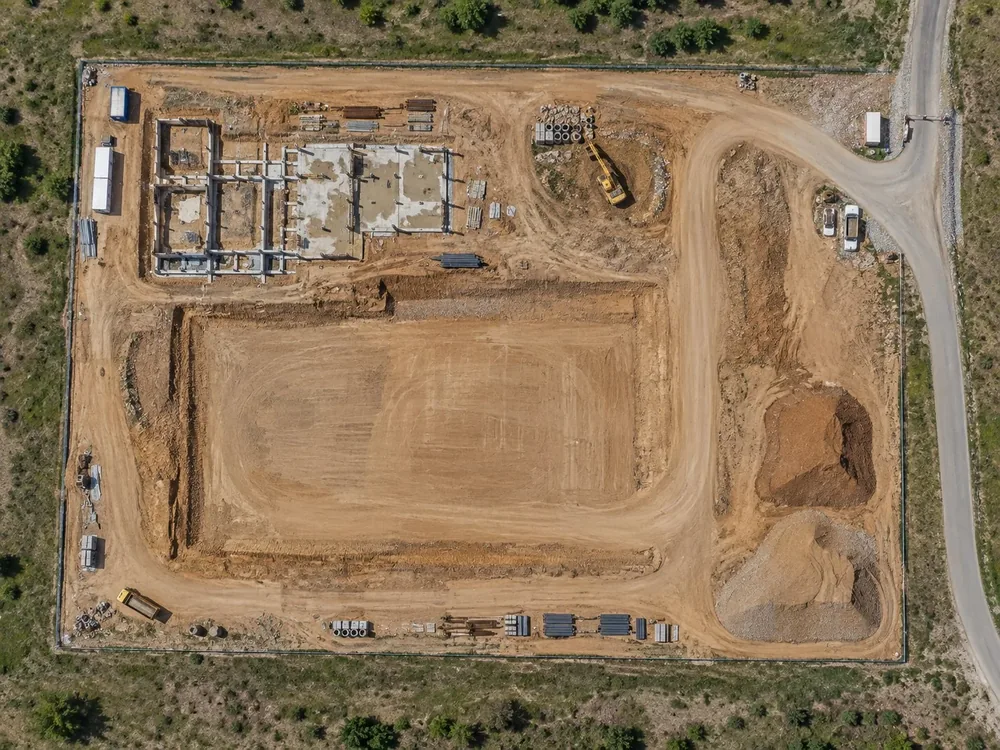 SurveyMeasurement data
What you need
A dated survey and the measurement made on it.
The measurement is stored automatically with the data it used. You don't need to keep anything separately.
Step by step
- 01
Upload
Upload data or the results from each flight.
- 02
Process
Turn data into results.
- 03
Compare
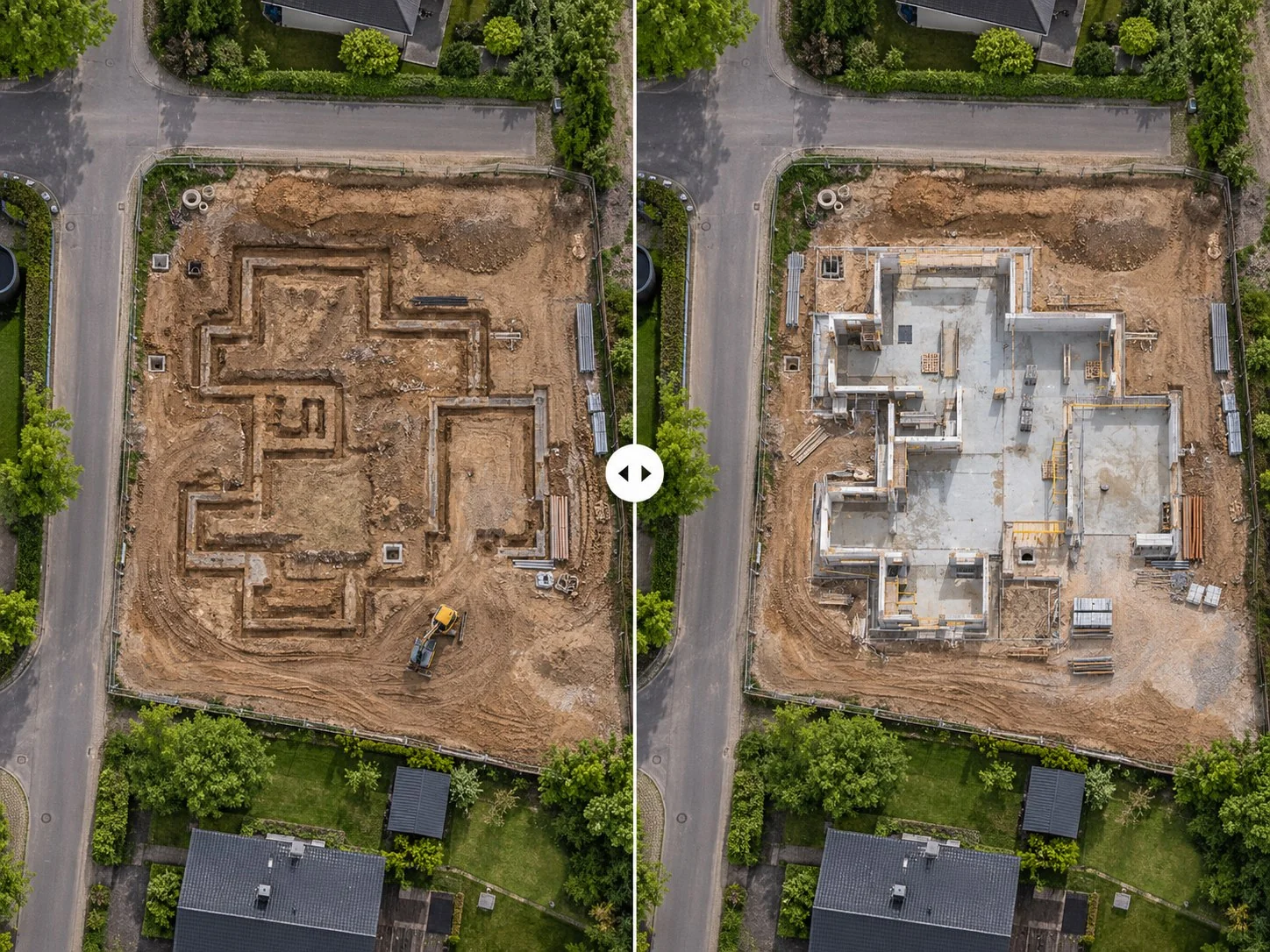
Compare surveys and see what changed.
- 04
Measure
Measure areas, distances and volumes.
- 05
Share
Share the result with your client or a colleague.
Results
Every figure with the data behind it.
You keep each measurement linked to its survey, date, zone and reference, ready to look up, share or export.
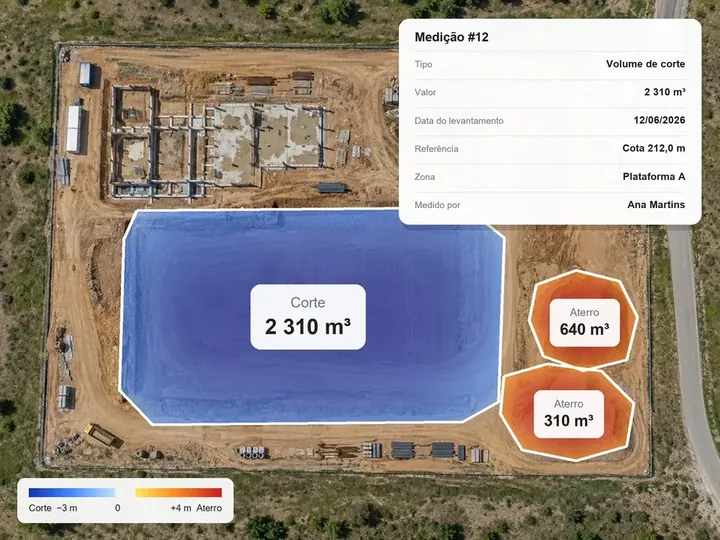
Value and date of each measurement
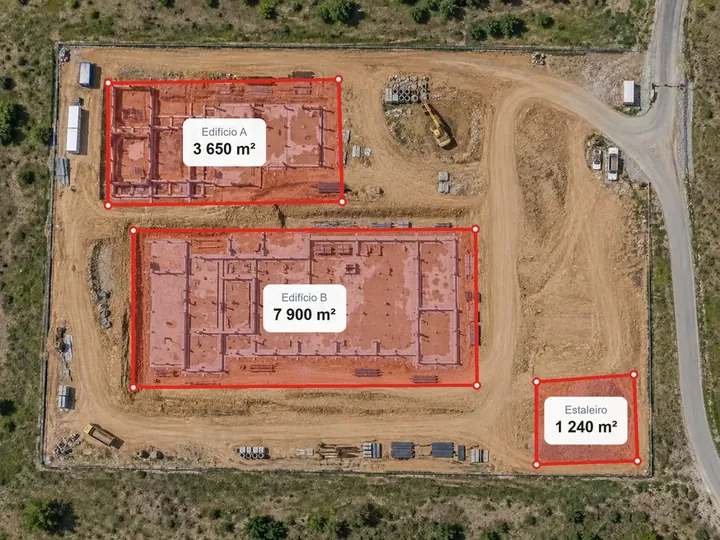
Zone and reference used
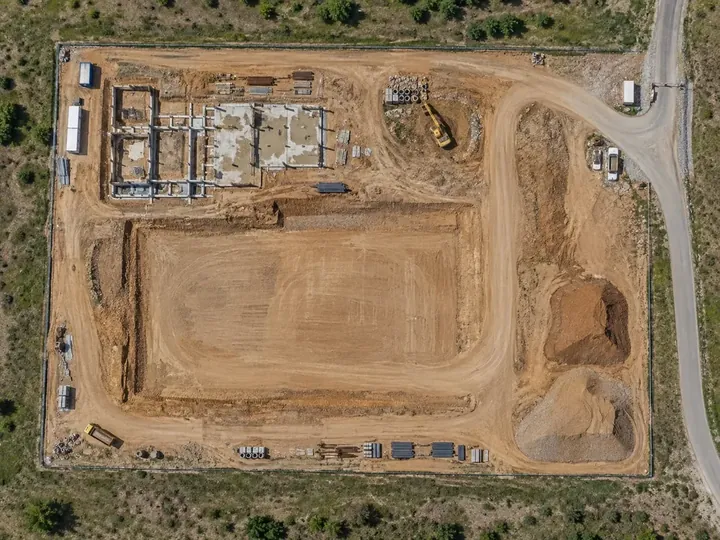
Source survey
History of measurements
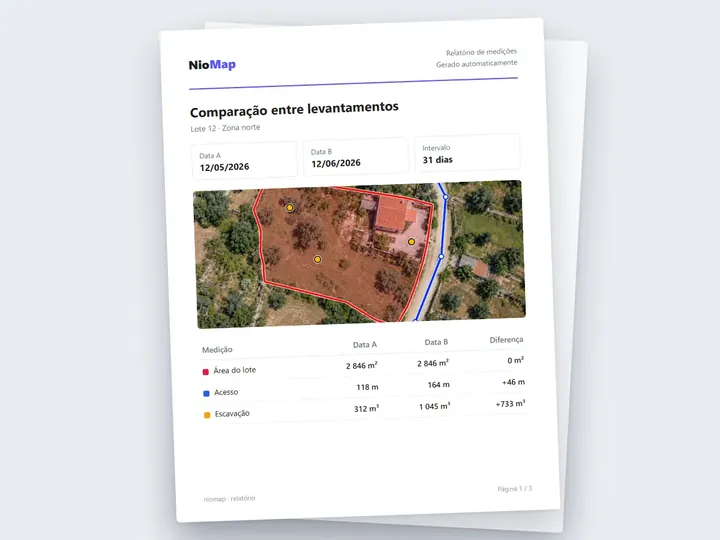
Report for measurement statements
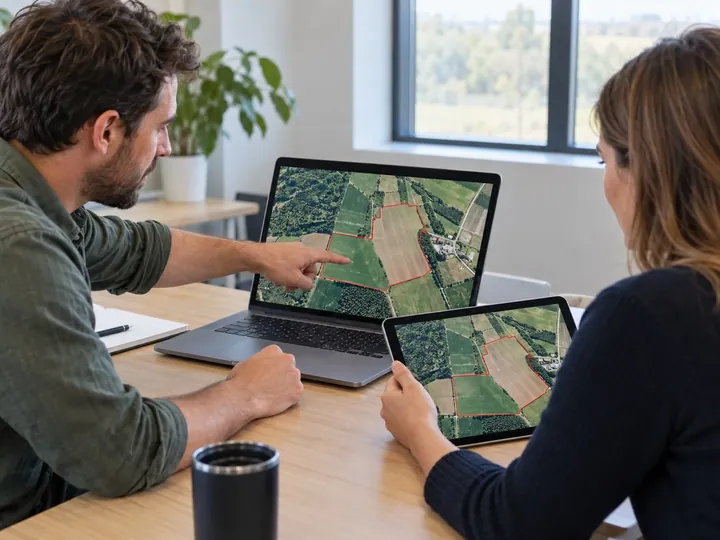
Sharing with the client or inspectors
Important note. Official validity depends on applicable procedures and the responsible professional.
FAQ
What people usually ask.
What is stored with each measurement?
The value, the survey date, the zone, the reference used and who made it.
Can I use the measurements in statements?
Yes, as a basis. Official validity depends on the applicable procedures and the responsible professional.
Who can look up the measurements?
Anyone with access to the project, at the access level the administrator sets.
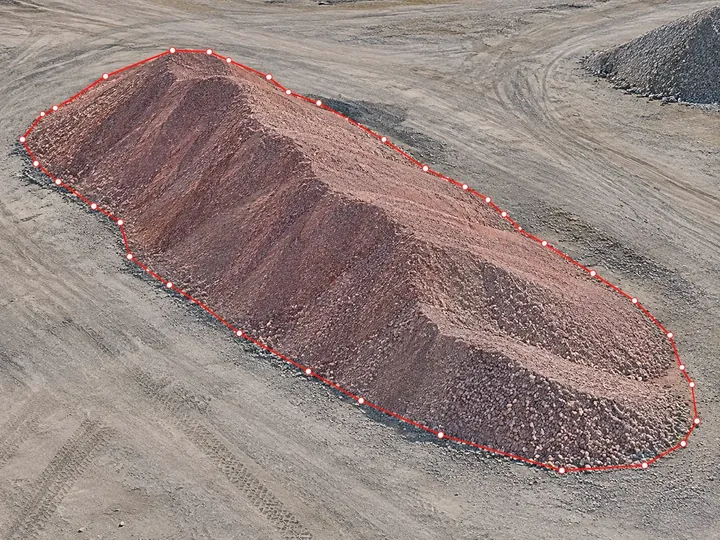
Calculate volumes
Outline the zone and choose the reference: a plane, a base level or the design surface. You get the cut and fill volumes, with a map of each zone.
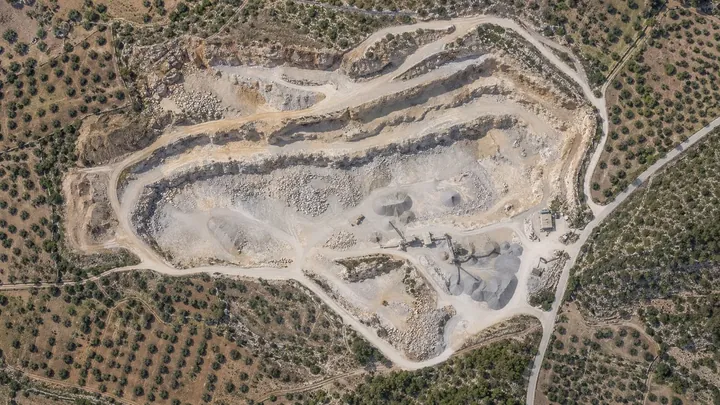
Compare surveys
Get digital 3D maps and models for each uploaded date, and view and measure how the work has progressed between them.
Share surveys and results
Invite people or companies, or send a link. The administrator chooses what each one can do: view, measure and comment, or edit.
Keep your measurements in NioMap.
Create a free account and try it with your own survey data: it includes 1 hour of processing and 10 GB of storage. If you have questions, talk to us.